Tableau-MySQL-Connection
📌 Click Here to View Documentation
Tableau-MySQL-Connection
A step-by-step guide on connecting Tableau to a MySQL database. 🚀
Prerequisites
- MySQL Server installed
- Tableau installed
- MySQL Connector for Tableau installed – Download Here
Steps to Connect Tableau to MySQL
- Open Tableau Desktop.
-
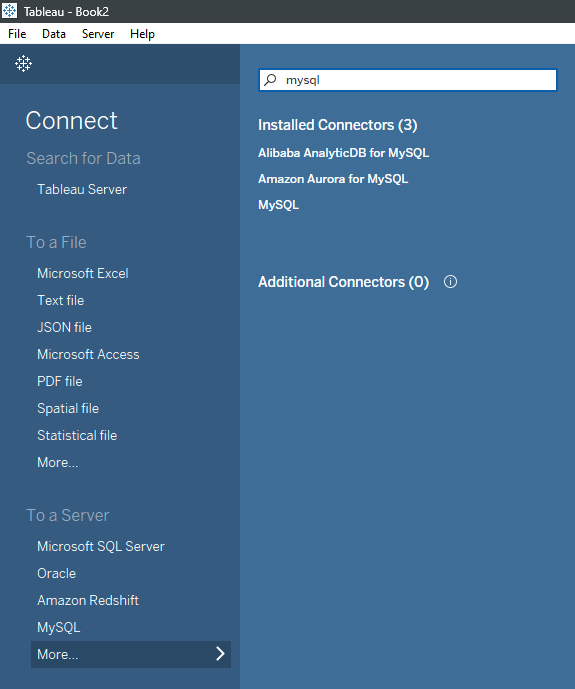
Click on More… under the “To a Server” section, then select MySQL.
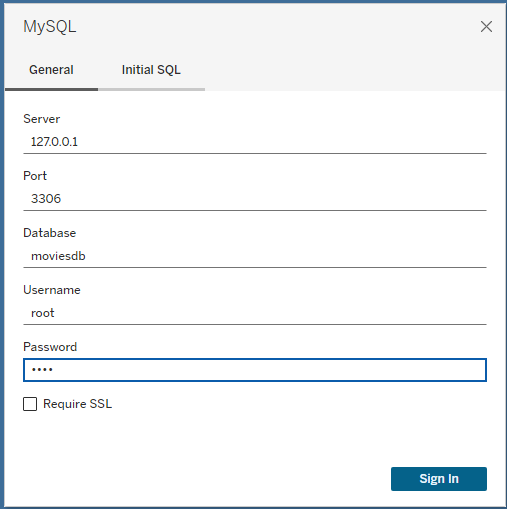
- Enter the server details:
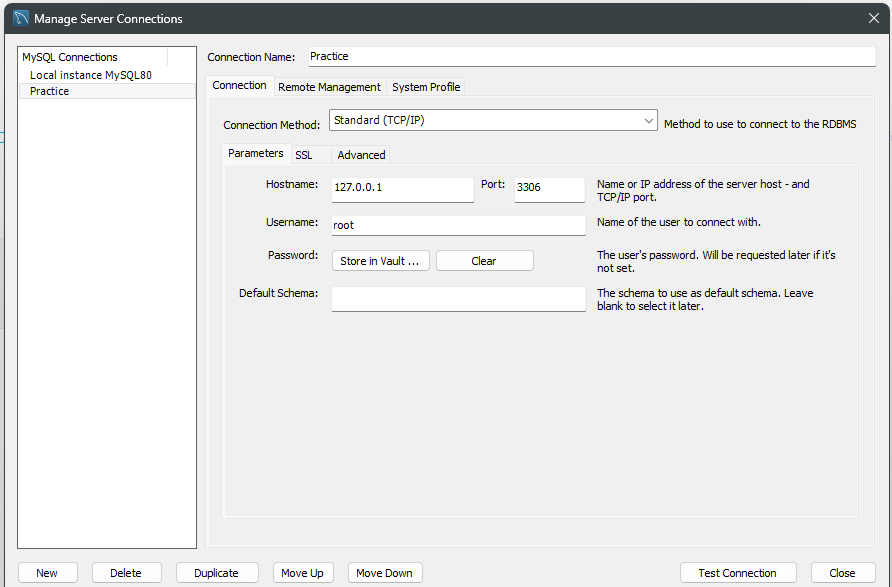
- Server: Typically
localhost:port_number(e.g.,127.0.0.1:3306) - Database Name:
moviesdb - Username and Password: Enter your MySQL credentials
- Click Sign In
- Server: Typically
-
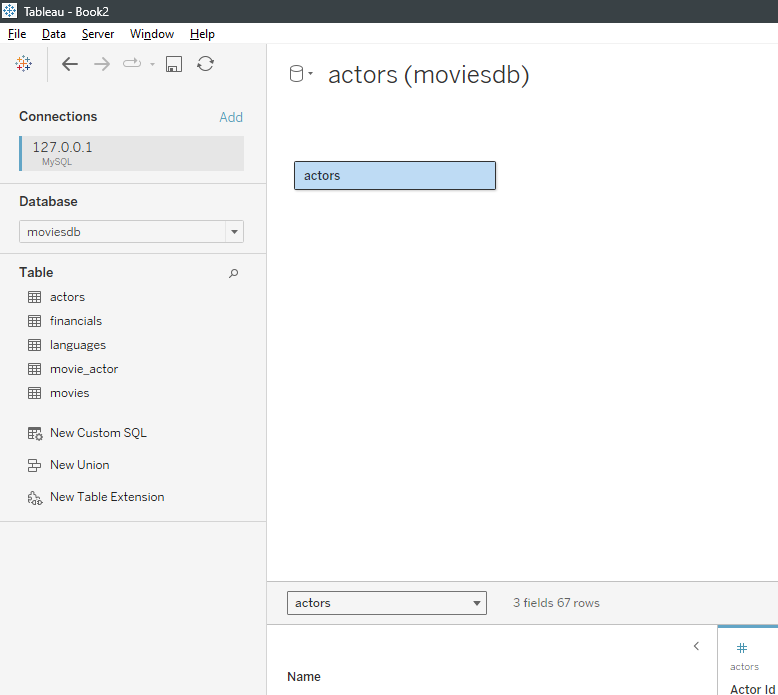
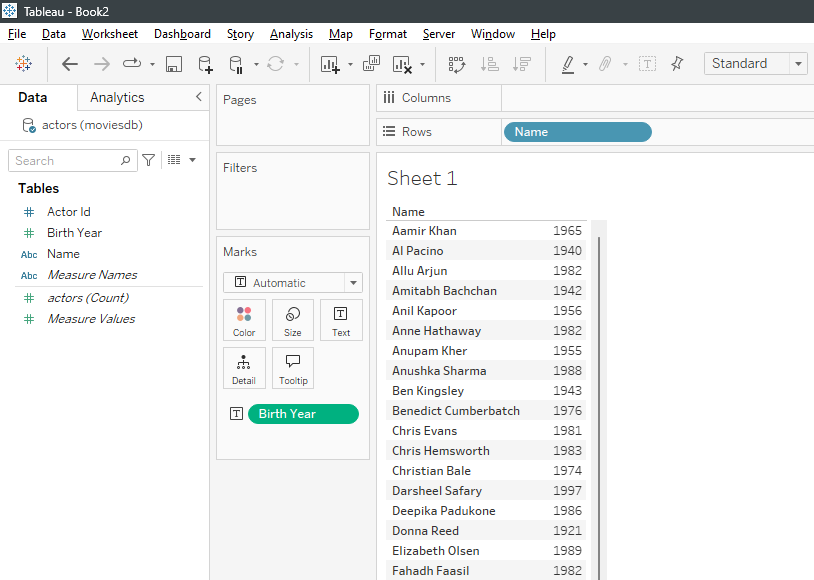
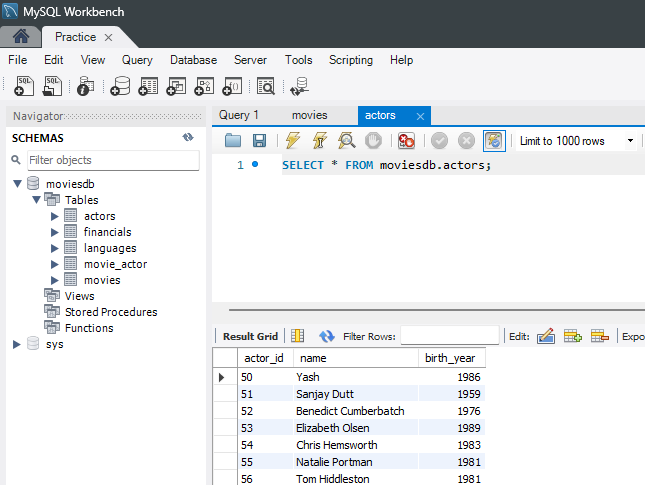
Once connected, you should see your MySQL database in Tableau.
Notes
- Ensure MySQL Server is running before attempting to connect.
- Use the correct MySQL Connector version for compatibility.
- If you encounter issues, check your firewall settings and MySQL configuration.
